

ENSv2 Quickstart
What is ENSv2?
Section titled “What is ENSv2?”ENSv2 is the next generation of the Ethereum Name Service — a protocol upgrade that moves ENS registries from Ethereum mainnet onto L2s. Names become cheaper to register, faster to update, and natively multichain.
ENSv2 is backwards compatible with ENSv1: existing .eth names continue to work, and ENSv2 introduces a new registry architecture that supports names across multiple chains simultaneously.
What is ENS Omnigraph?
Section titled “What is ENS Omnigraph?”ENS Omnigraph is ENSNode’s unified GraphQL API for querying ENS name data across every supported chain from a single endpoint.
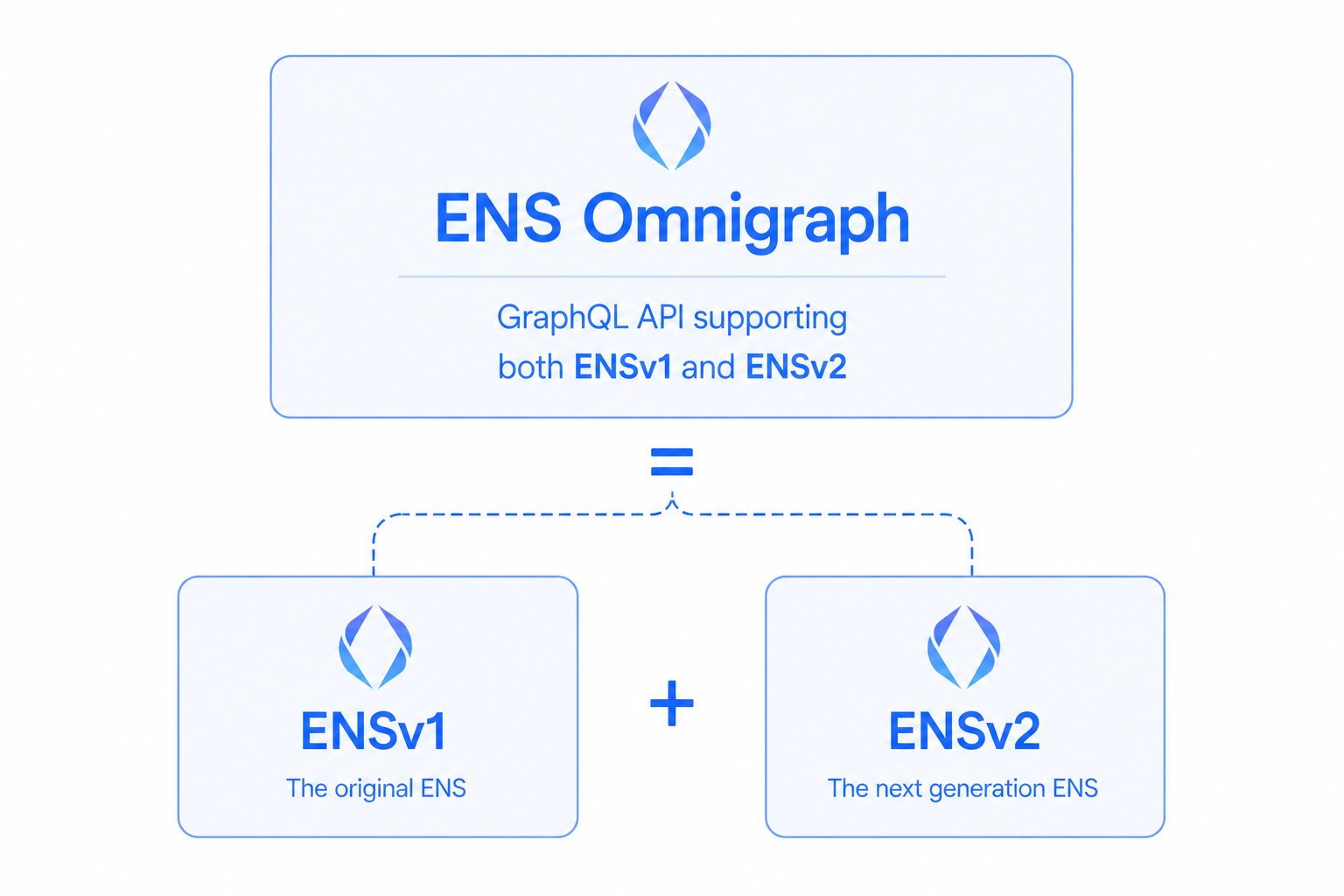
Today, fully supporting ENSv1 requires two separate systems: on-chain resolution (via RPC calls + CCIP-read) and indexed data (via the ENS Subgraph). Neither alone gives a complete picture.
ENS Omnigraph solves this by combining both into one API:
- Indexes ENSv1 and ENSv2 names across mainnet, Base, Linea, 3DNS, and more
- Provides resolution data — owner, resolver, records, expiry — in a single query
- Backwards compatible with ENSv1, so you can integrate today and get ENSv2 support automatically when it launches
This means you can build your ENS integration once against the Omnigraph API and be ready for ENSv2 before it even launches. See ENSv2 Readiness for the full story.
Query ENS name data
Section titled “Query ENS name data”The example below is a raw Omnigraph GraphQL document plus variables and an illustrative JSON response (values depend on the ENSNode instance and chain). The connection matches the public endpoint used across these docs.
query DomainByName($name: InterpretedName!) {
  domain(by: {name: $name}) {
    __typename
    id
    label { interpreted hash }
    name
    owner { address }

    ... on ENSv1Domain {
      rootRegistryOwner { address }
    }

    ... on ENSv2Domain {
      subregistry {
        contract { chainId address }
      }
    }
  }
}
{
"name": "sfmonicdebmig.eth"
} {
"data": {
"domain": {
"__typename": "ENSv2Domain",
"id": "0x…",
"label": {
"interpreted": "sfmonicdebmig",
"hash": "0x…"
},
"name": "sfmonicdebmig.eth",
"owner": {
"address": "0x2f8e8b1126e75fde0b7f731e7cb5847eba2d2574"
},
"subregistry": {
"contract": {
"chainId": 11155111,
"address": "0x…"
}
}
}
}
} # POST JSON to your ENSNode Omnigraph endpoint (same path enssdk uses).
curl -sS -X POST "https://api.v2-sepolia.ensnode.io/api/omnigraph" \
-H "Content-Type: application/json" \
-d @- <<'EOF'
{
"query": "query DomainByName($name: InterpretedName!) { domain(by: {name: $name}) { __typename id label { interpreted hash } name owner { address } ... on ENSv1Domain { rootRegistryOwner { address } } ... on ENSv2Domain { subregistry { contract { chainId address } } } } }",
"variables": {
"name": "sfmonicdebmig.eth"
}
}
EOF query DomainByName($name: InterpretedName!) { domain(by: {name: $name}) { __typename id label { interpreted hash } name owner { address }
... on ENSv1Domain { rootRegistryOwner { address } }
... on ENSv2Domain { subregistry { contract { chainId address } } } }}Payload and transport examples
{ "name": "sfmonicdebmig.eth"}
Response is an illustrative snapshot; live data depends on your ENSNode instance. The curl tab shows a POST to
/api/omnigraph on your
connection base URL (same as enssdk).
The InterpretedName variable is the string Omnigraph expects for the name (here sfmonicdebmig.eth for the Sepolia v2 dataset used by the docs endpoint). In app code you typically build it with enssdk helpers such as asInterpretedName.